Validators and Nominators
Apply to become a validator to participate in block production or nominator to pledge to obtain income
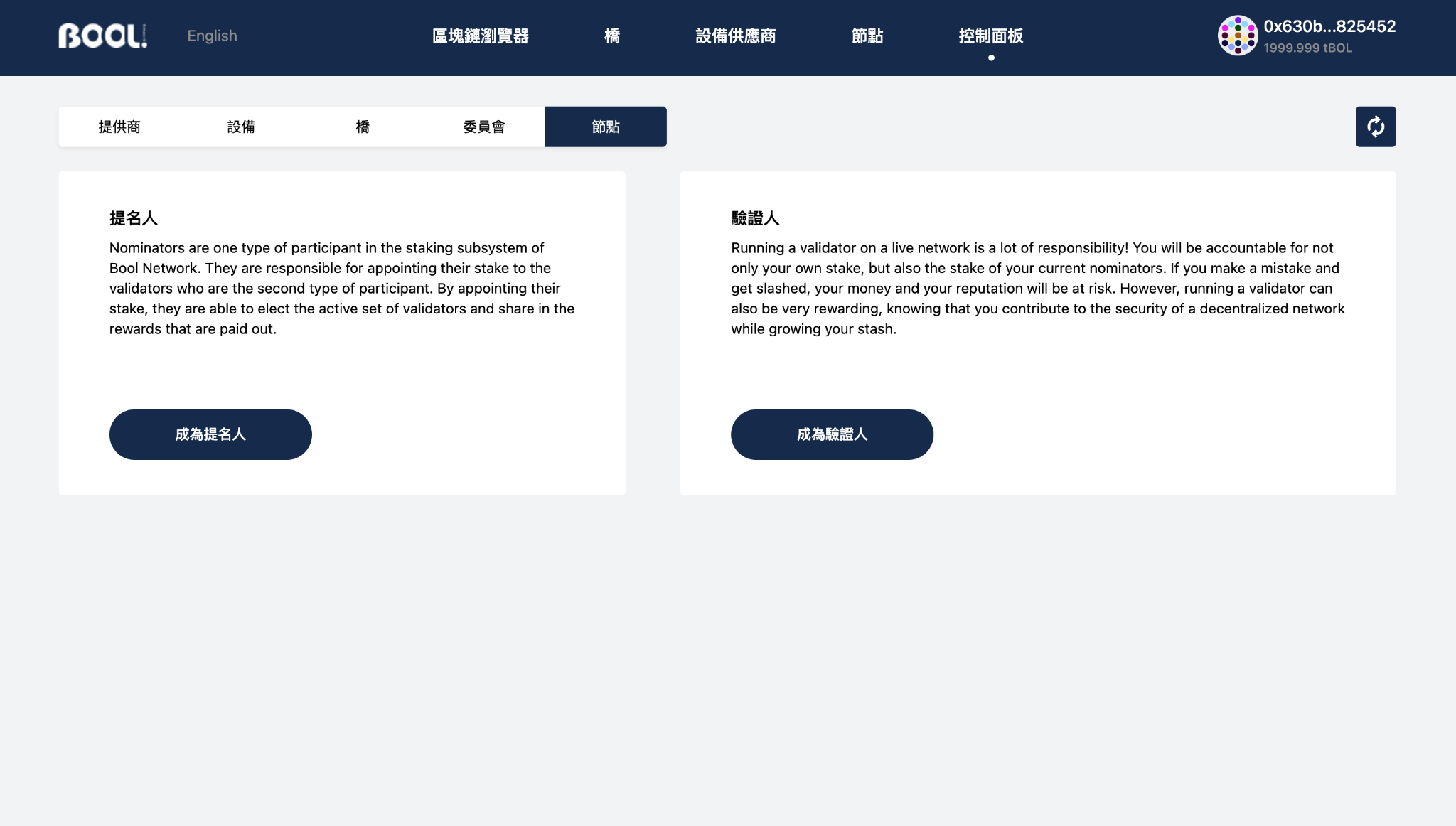
Join the nominator
- Go to the
Control Panel-Node sectionand select become a nominator (If you have become a validator, you need to stop first, and then re-select become a Nominator)
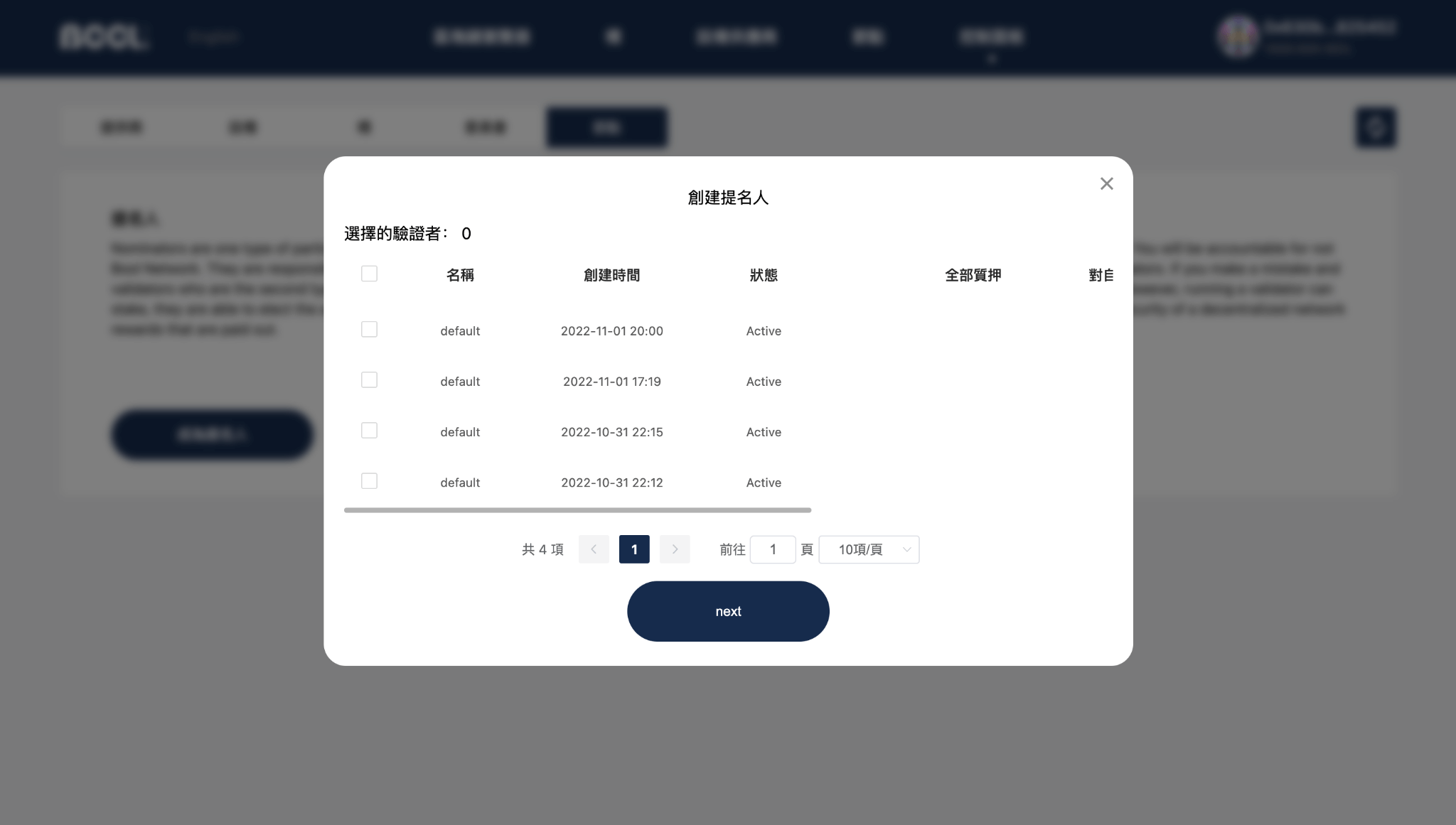
- Select validators, maximum to 16
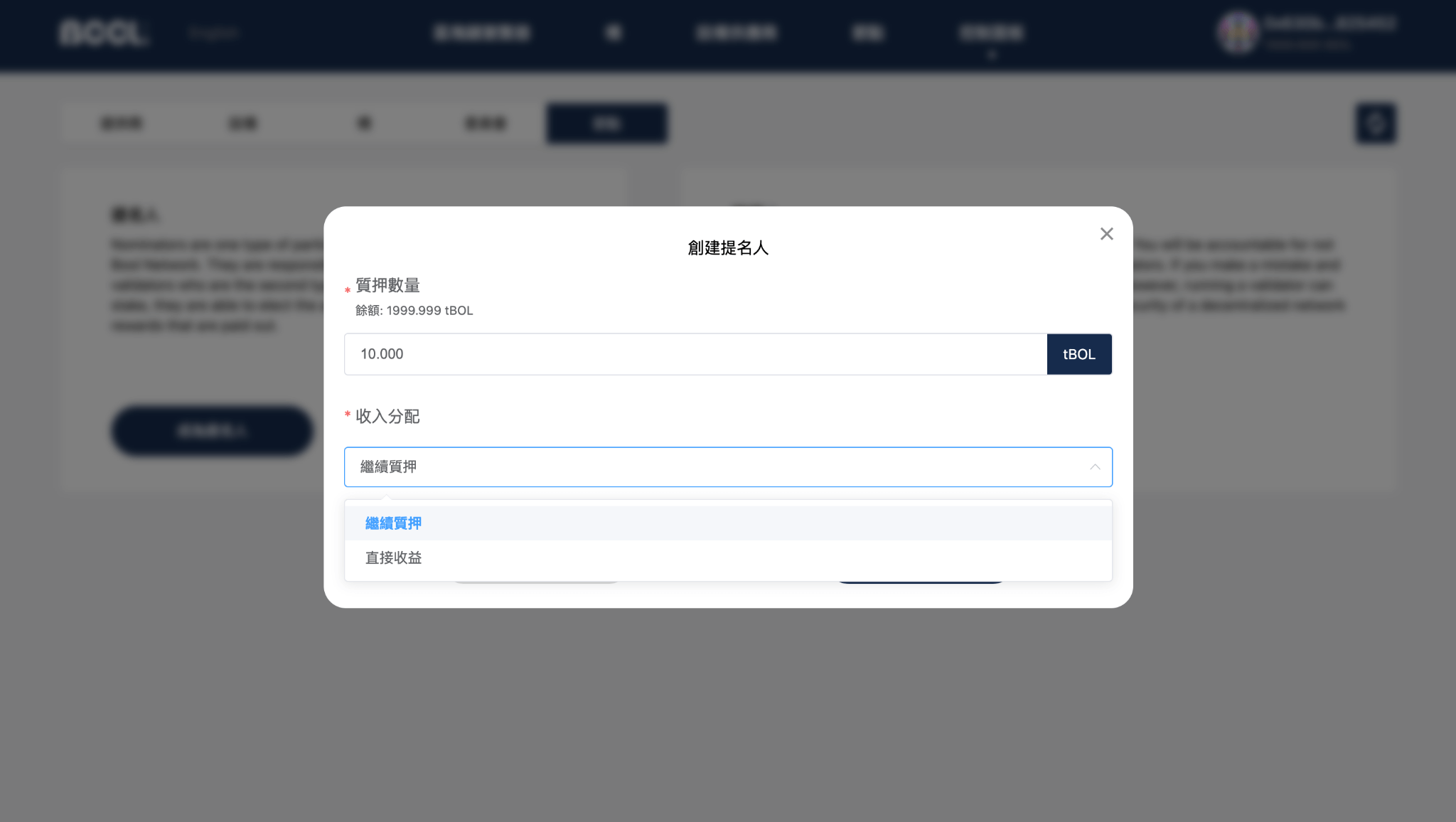
- Set the number of pledges and earnings distribution
- Continue Pledge: Continue to pledge funds to the account when claiming the reward.
- Direct benefit: The rewards will not continue to be pledged, but transferred to the personal spendable account.
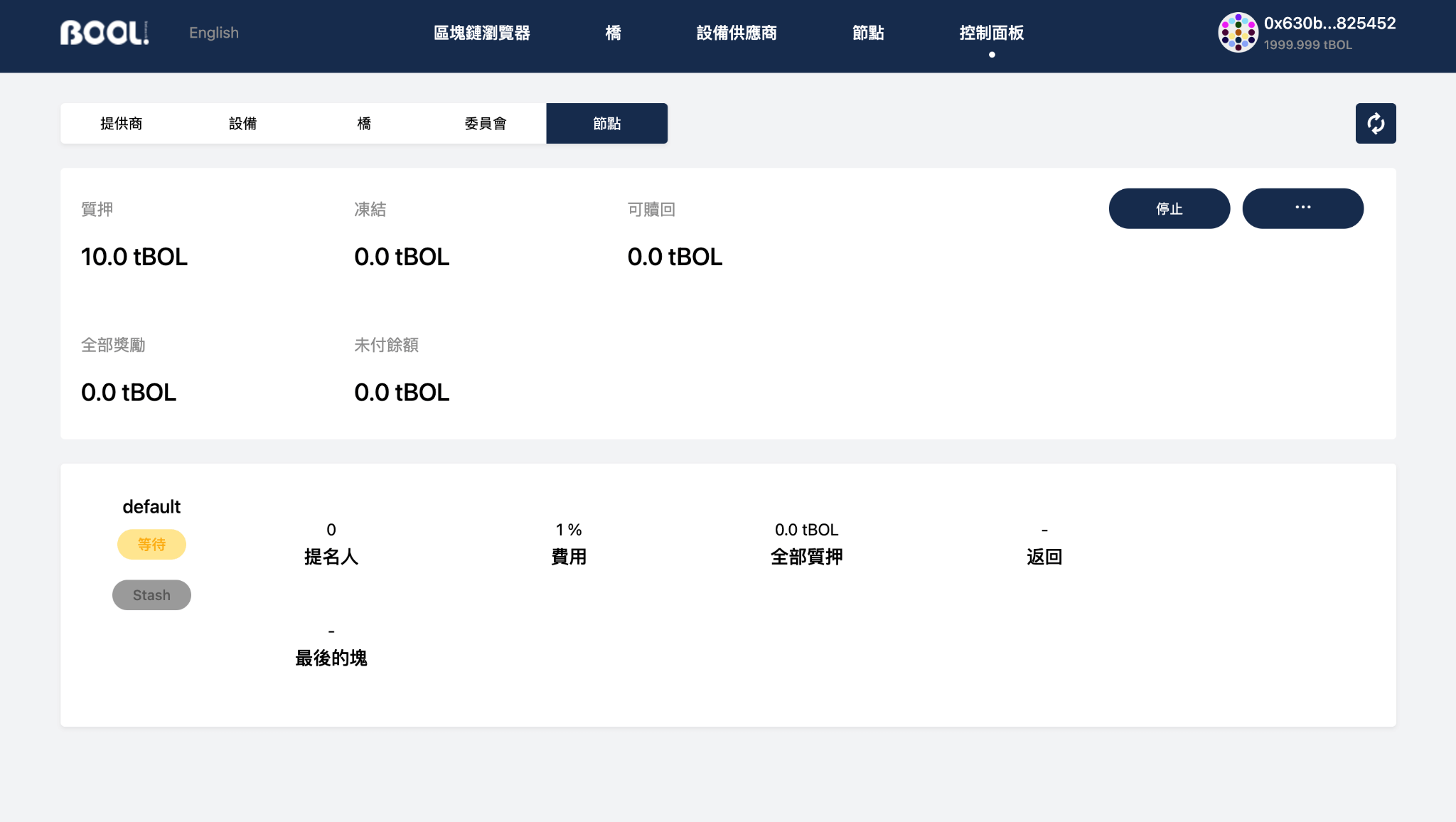
- Automatically activate the pledged deposit for some epoch. If multiple validators are nominated, the pledge allocation to each validator will be determined by the phragmen Algorithm when the pledge amount is activated.
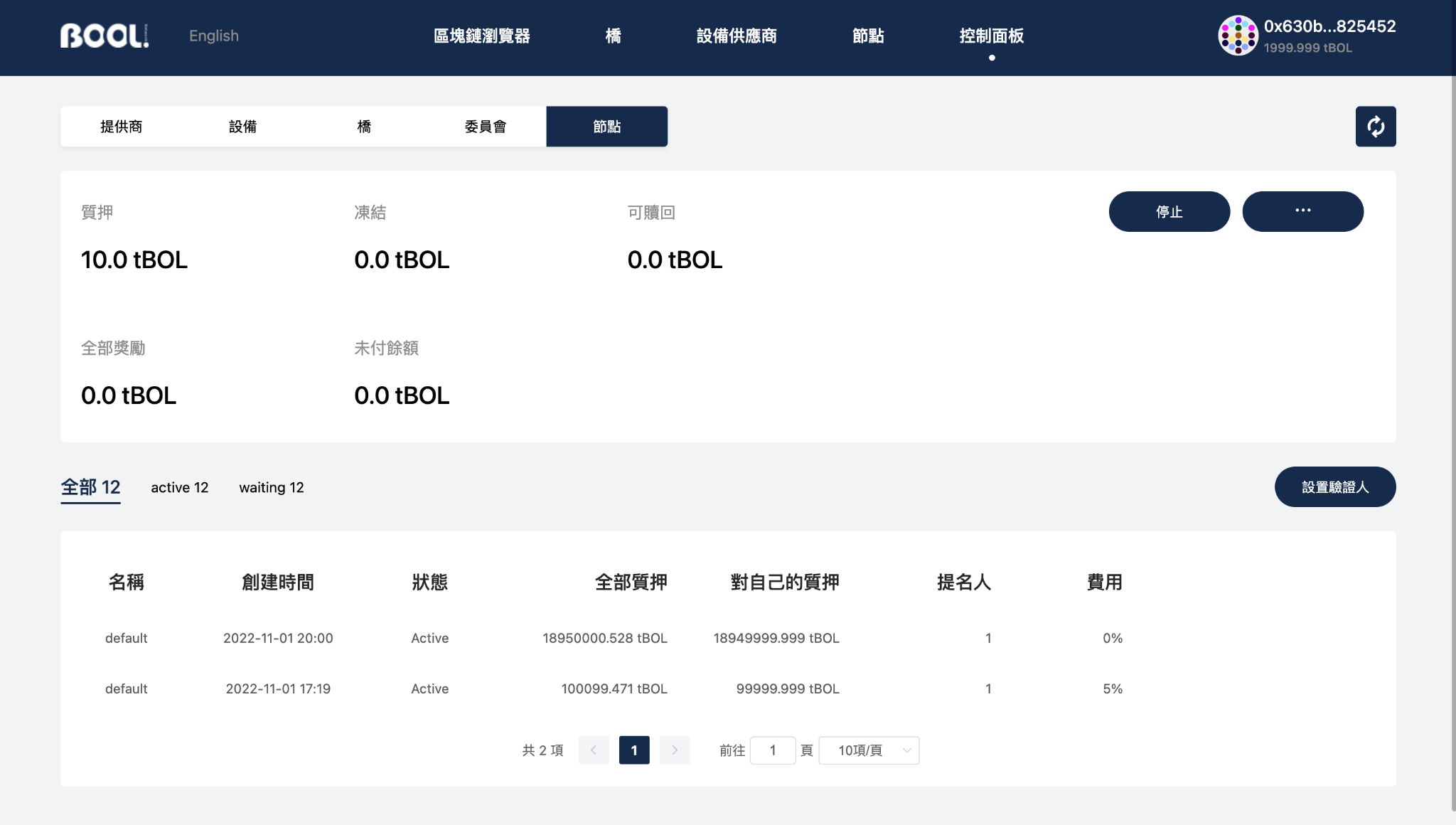
Join the validator
- Reference Run Validator Node, to run a valid node.
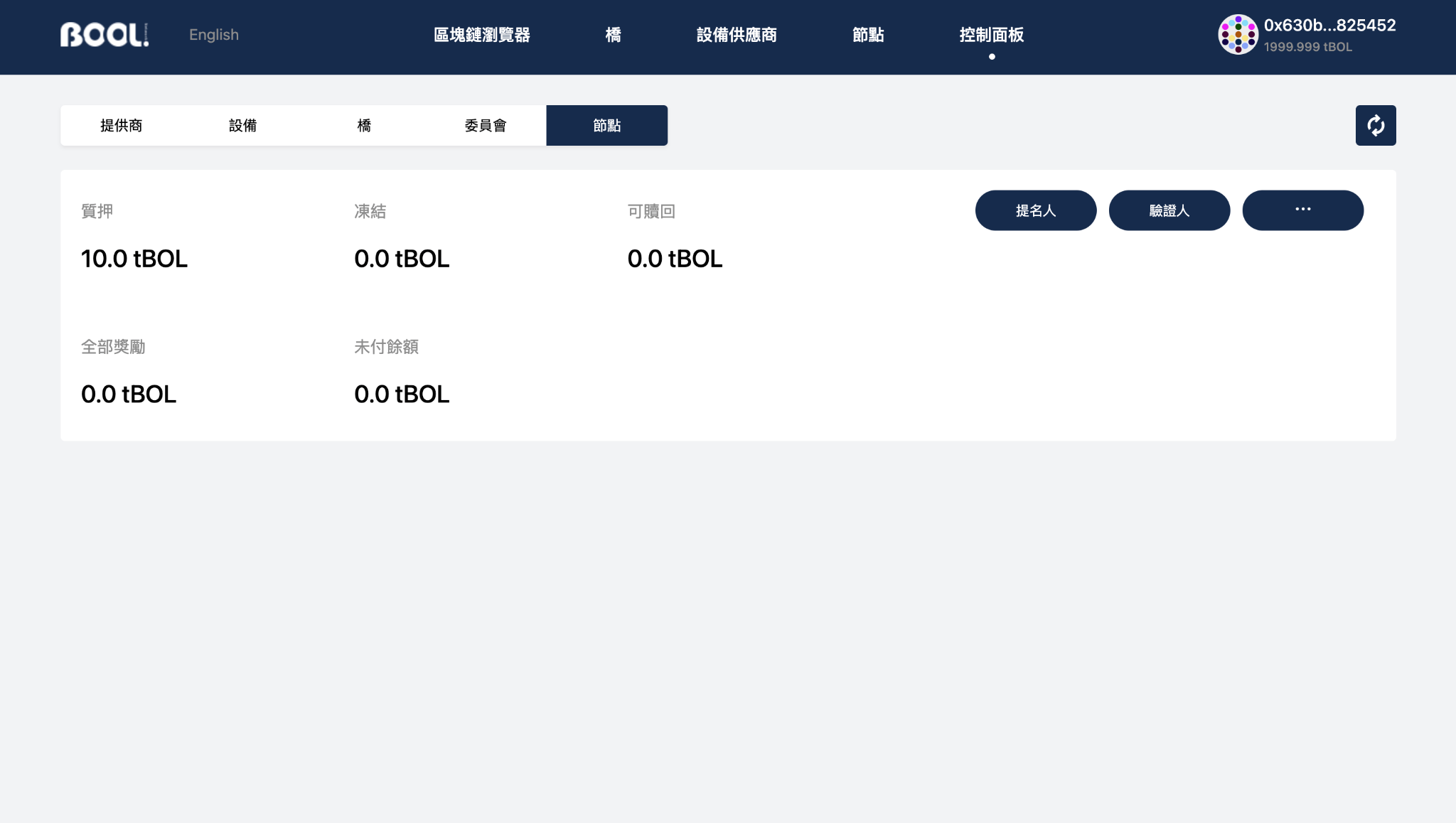
- Go to the
Control Panel-Node sectionand select become a Validator (if you have become a nominator, you need to stop first, and then select 'Become a Validator)
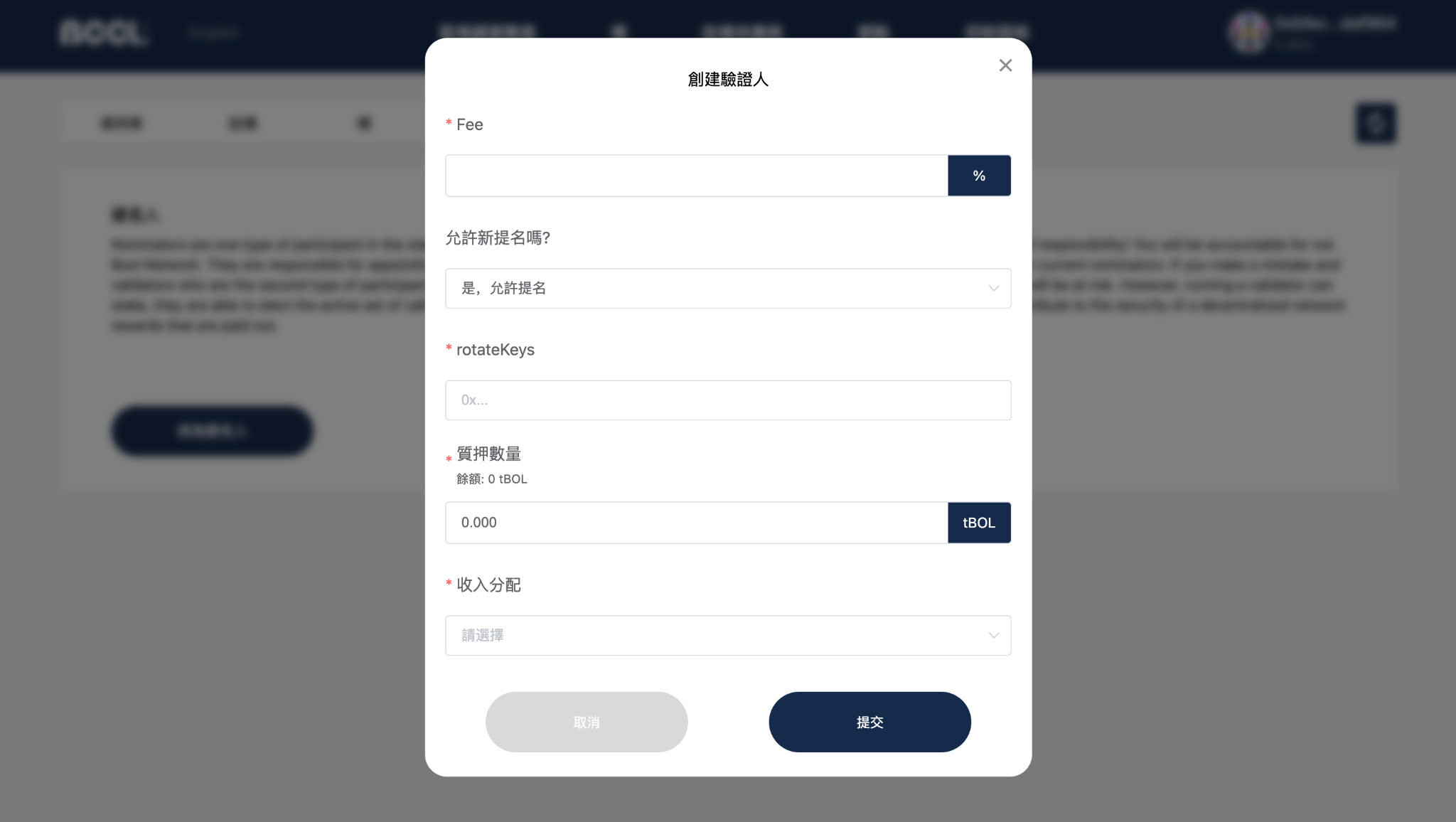
- Set commission, allows third parties to join, and RotateKey:
- Commission: The percentage of the reward received by the validator when the reward is distributed. If the rewards are the same, the lower the commission means that the nominators will receive more rewards.
- Allowing third parties to join: if permitted, a third party may become a nominator for the validator, but not otherwise.
- RotateKey: it is used to bind the account and validate the node relationship.
- Set the amount of pledge and income distribution:
- Continue Pledge: Continue to pledge funds to the account when claiming the reward.
- Direct benefit: The rewards will not continue to be pledged, but transferred to the personal spendable account.
- To become a validator, you need to wait for some epoch. Once selected, those who do not participate in block production will be punished accordingly, and part of the pledge will be deducted.